







File Shelf
Hold files between apps, windows, and desktops.
Reveal a tray, drop in a file, and keep working. DropTray makes the small movements between apps feel effortless.
Then $4.99 once. No subscription.
Made for the space between apps
DropTray gives temporary files somewhere useful to go. No Finder detour. No Desktop pile. No extra utility window to manage.
One gesture, eight actions
Carry a file toward any corner—or press a shortcut—and your chosen tools slide into reach. Drop it onto the action you want, then get right back to work.
Screenshots, handled
Every screenshot can land in its own tray instead of spreading across your Desktop. Take several in a row, then move the exact ones you need.
Useful beyond files
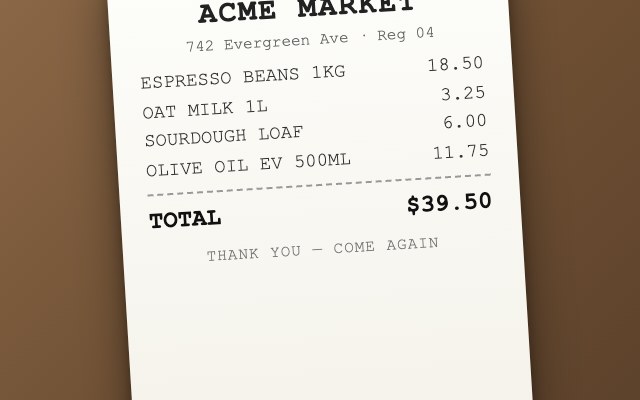
Draw a box around a receipt, image, video, or locked document. DropTray recognizes the text and places it on your clipboard.
Set it up your way
Keep only the tools you use. Change tray positions, adjust shake sensitivity, and remap every shortcut from one compact settings window.
Each tray does one job and stays out of sight until you call for it.
Hold files between apps, windows, and desktops.
Catch every capture before it reaches your Desktop.
Turn images and documents into clean PDFs.
Arrange several PDFs and combine them in place.
Pull readable text from images and documents.
Create useful filenames from the file itself.
Make a ZIP without opening another window.
Keep a reference visible over the work at hand.
Made for macOS
DropTray is a lightweight AppKit menu-bar utility. It uses native frameworks, follows system conventions, and stays out of your Dock and your way.
Simple pricing
Use DropTray free for 14 days. Cancel before the trial ends and pay nothing.
No. You get a 14-day free trial, then pay $4.99 once for lifetime access. Cancel before the trial ends and you are not charged.
No. File conversion, OCR, clipboard history, and organization happen locally using native macOS frameworks. DropTray does not upload the files you use with the app.
DropTray runs on Intel and Apple silicon Macs with macOS 12 Monterey or later. The app is signed and notarized by Apple.
Yes. Enable any four of the eight trays, assign each one to a corner, and change the arrangement whenever you want.
Yes. Every main action has a configurable keyboard shortcut, including showing trays, screenshots, Peek, Text Grab, and clipboard history.
Fourteen days free. Then $4.99 once.